Free for 2 jobs · unlimited from $9.99 a month · works offline · backs up to your own cloud
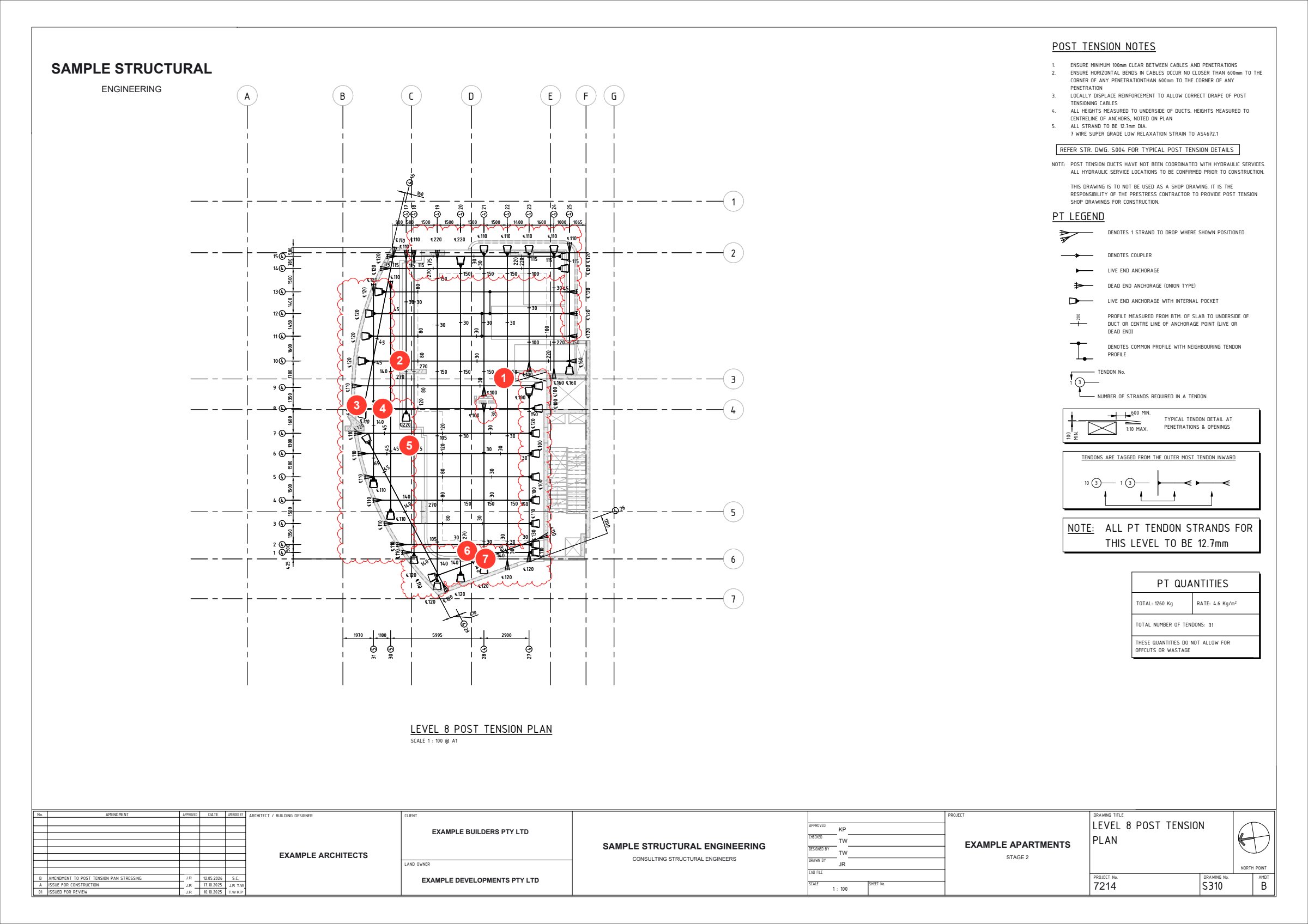
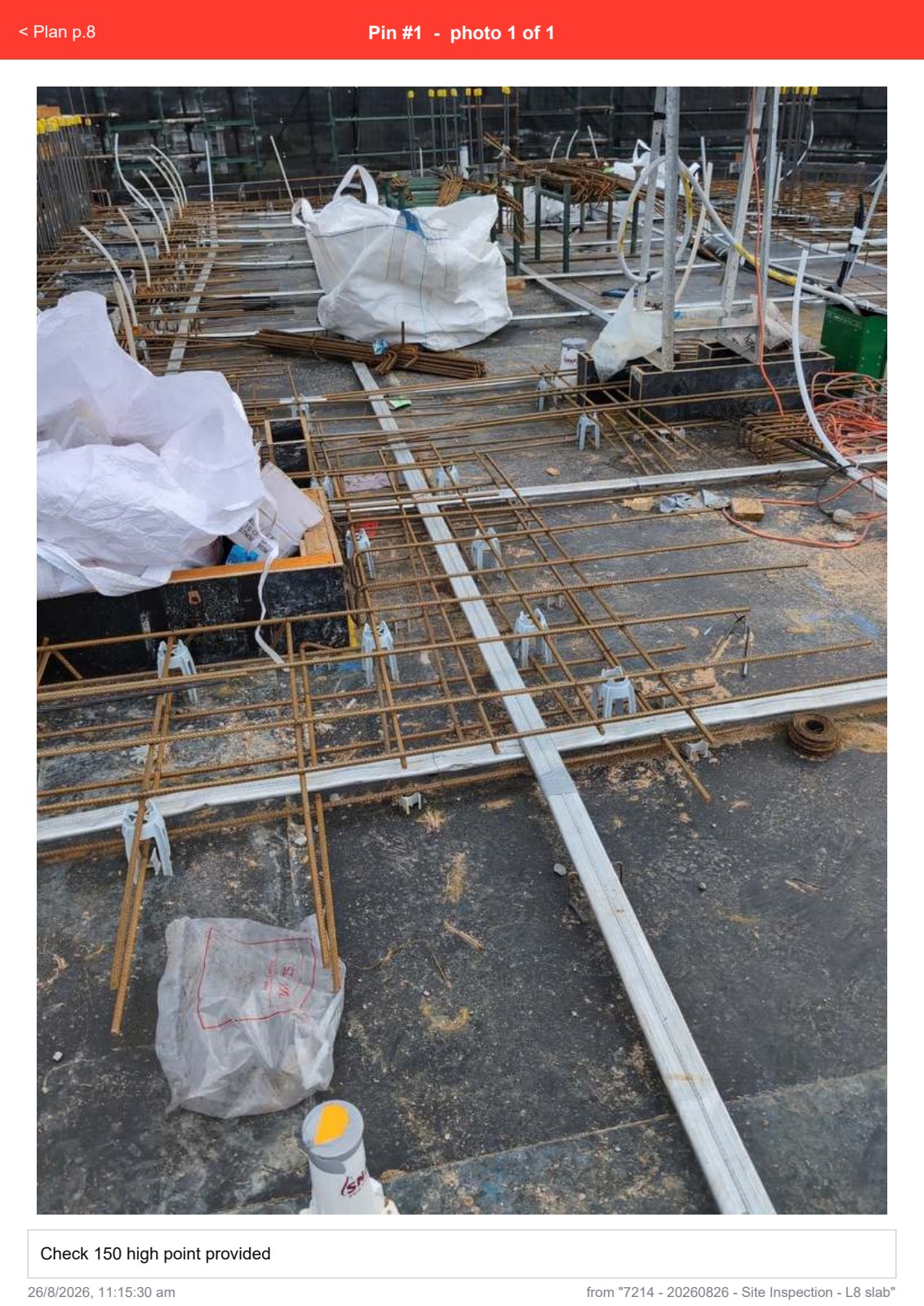
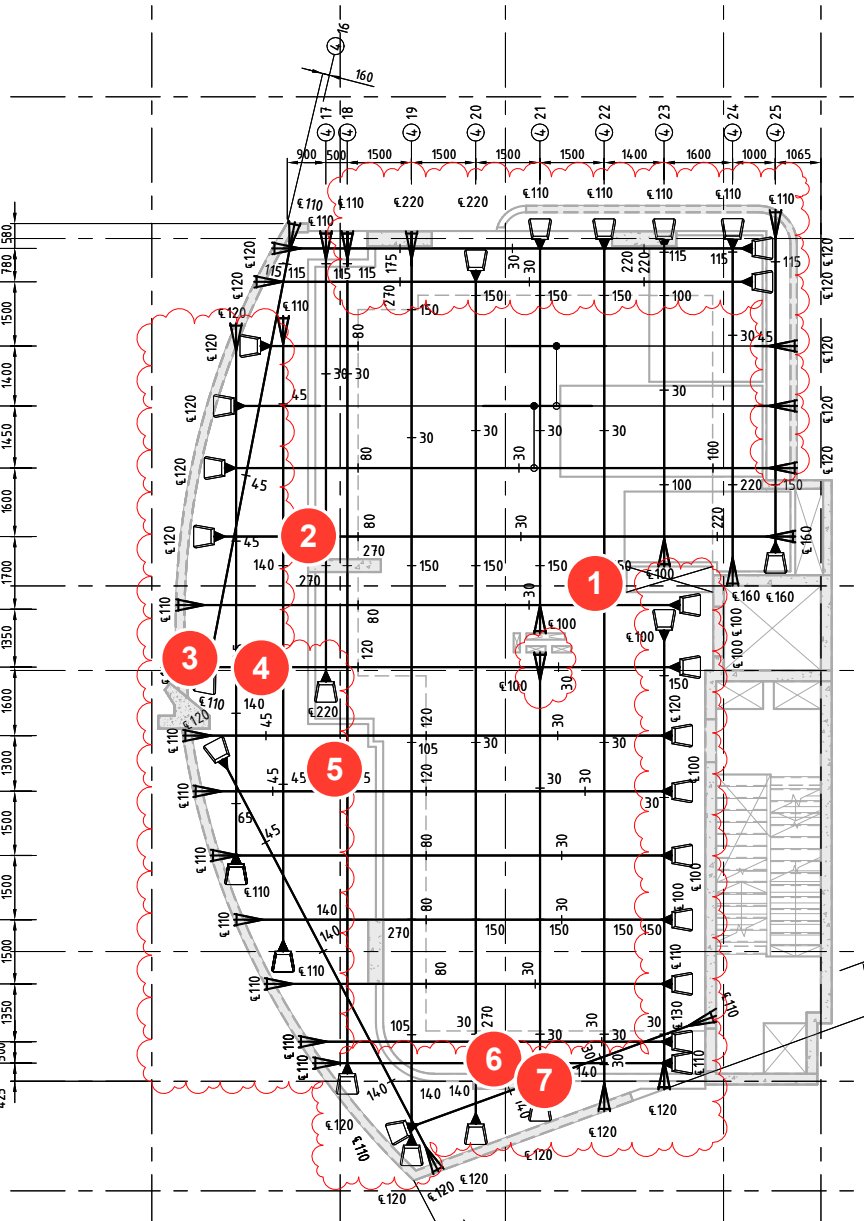
Real L8 slab inspectionEach numbered pin opens its photo in the report.
30 min
saved per inspection
“QUOTE FROM ENGINEER — what changed for them, in their own words.”
Name, Firm — [replace with a real quote]
From site to sent, in one pass
The same order you already work in.
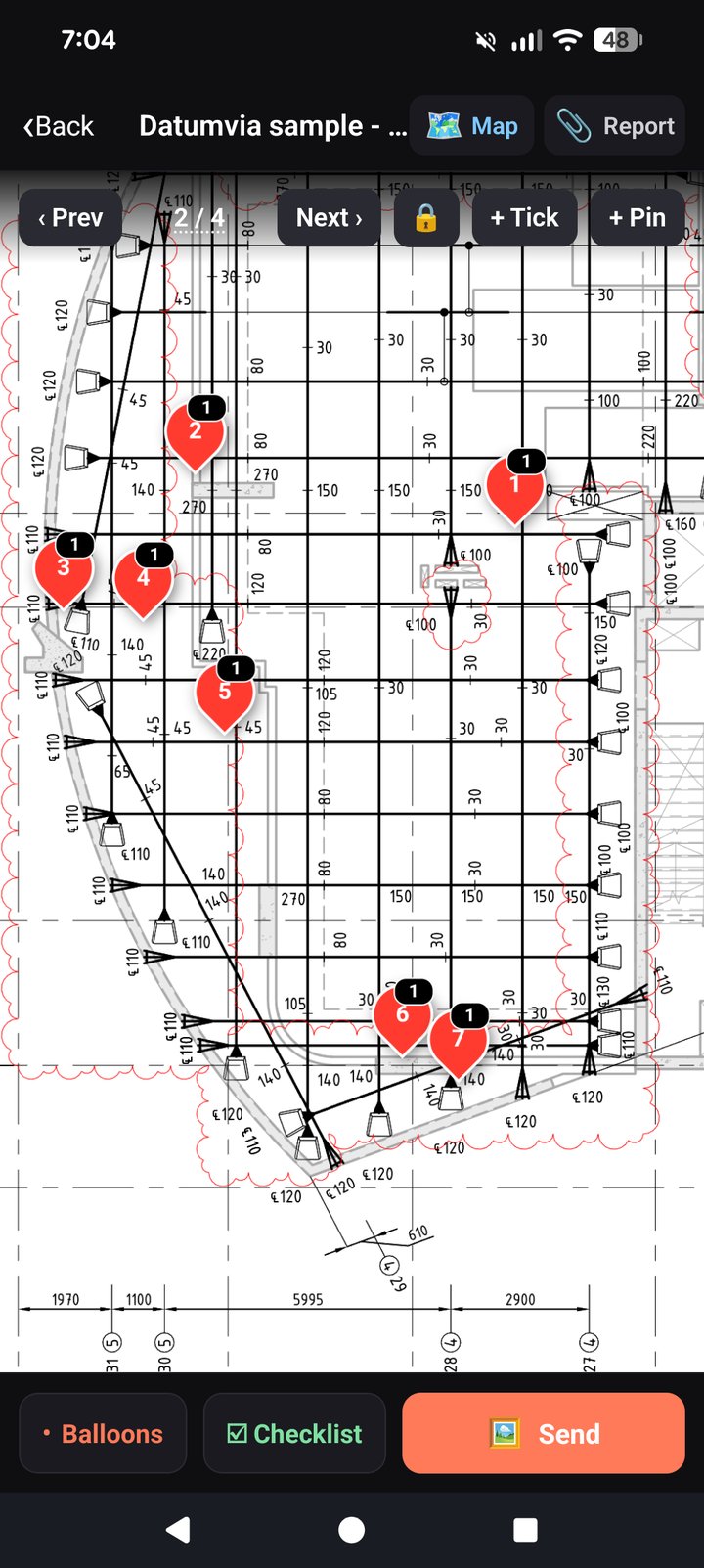
Pin it
Tap the drawing where the issue is. The camera opens straight away.
Say it
Dictate the note instead of typing — gloves on, wind and all.
Check it
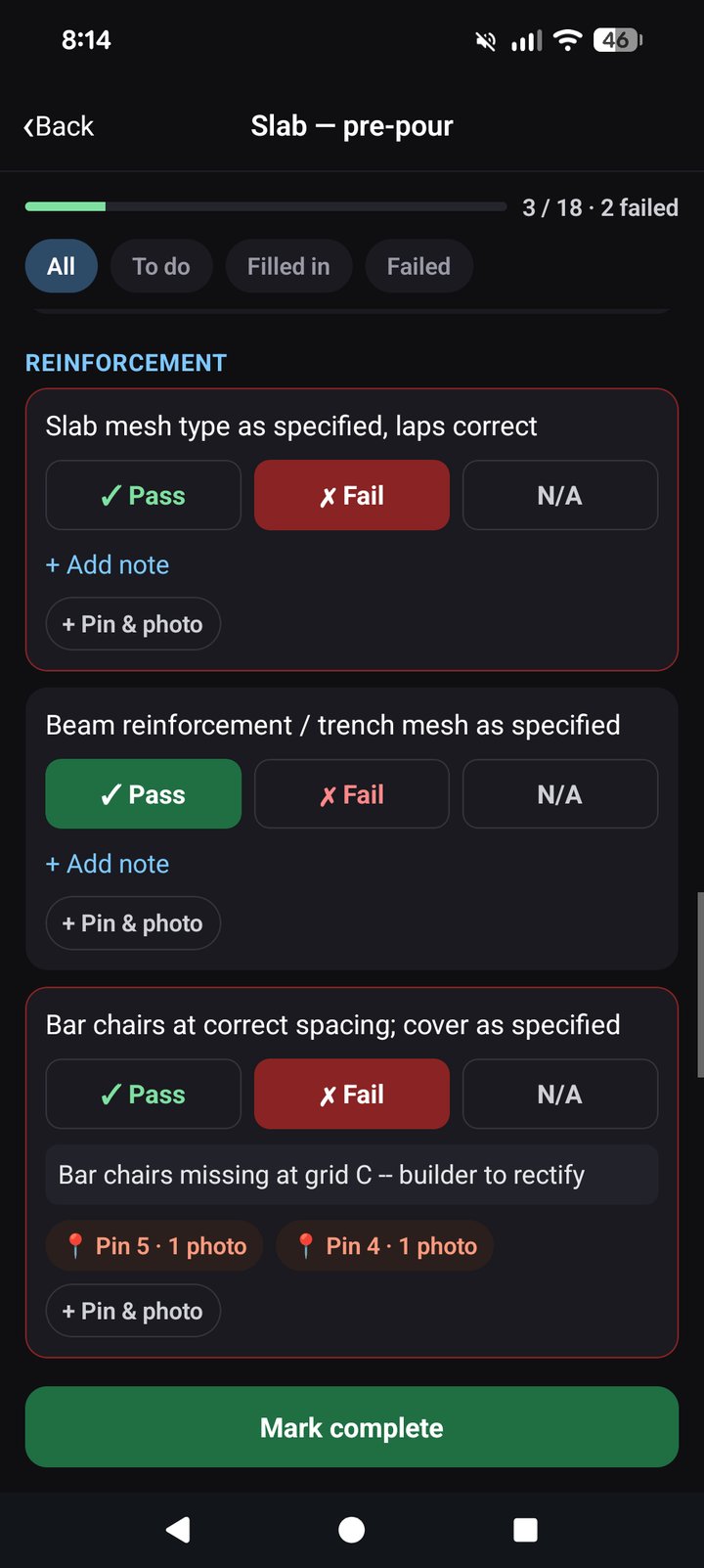
Work the footing, slab, steel or frame list. Pass, fail or N/A, with photo evidence.
Send it
One PDF on your letterhead. Tap a pin number, jump to the photo.
What your client gets
A report that looks like it came from the office, not a phone.
📄
Linked PDF report
Your letterhead, inspection outcome, findings, numbered recommendations and sign-off — then
the marked drawing and every photo, linked to its pin.
☑️
Checklists as evidence
Footings, slab, structural steel and frame lists you can edit. Failed items lead the report,
each with its photos.
📍
Photo pins on drawings
Numbered pins where the work is. Internal-only pins stay in your copy, out of the client’s.
🛰️
GPS site maps
No drawing? Photos are mapped by location on a satellite page in the report.
☁️
Backed up as you work
Jobs mirror to your own Google Drive, Dropbox or OneDrive over Wi-Fi. A lost phone doesn’t
lose a job.
🏢
One company folder
The office sets up a shared folder once and sends the team a link. Everyone’s jobs land in
the same place.
A real report
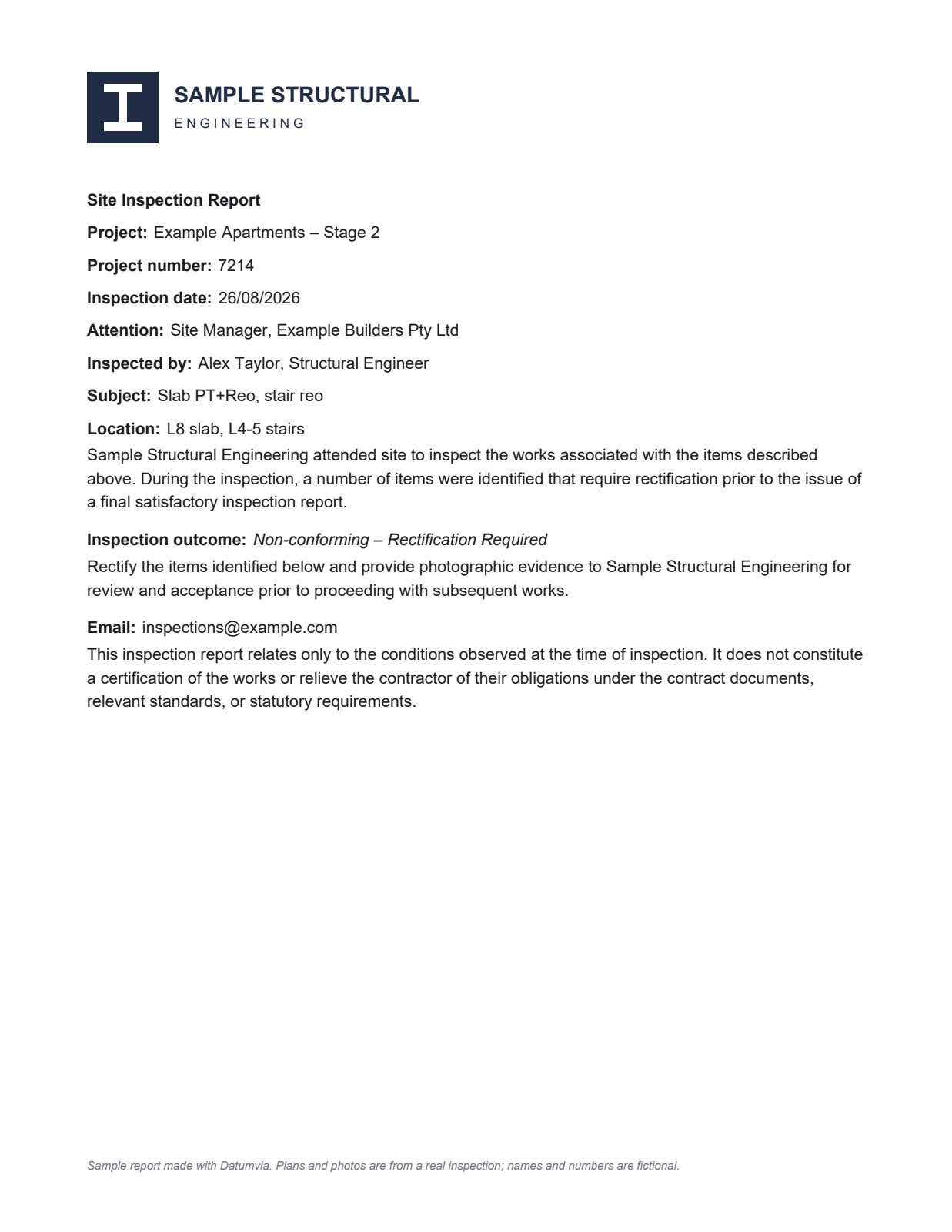
An L8 slab inspection, exported from Datumvia on site. The plans and photos are
real; the names and numbers have been changed.
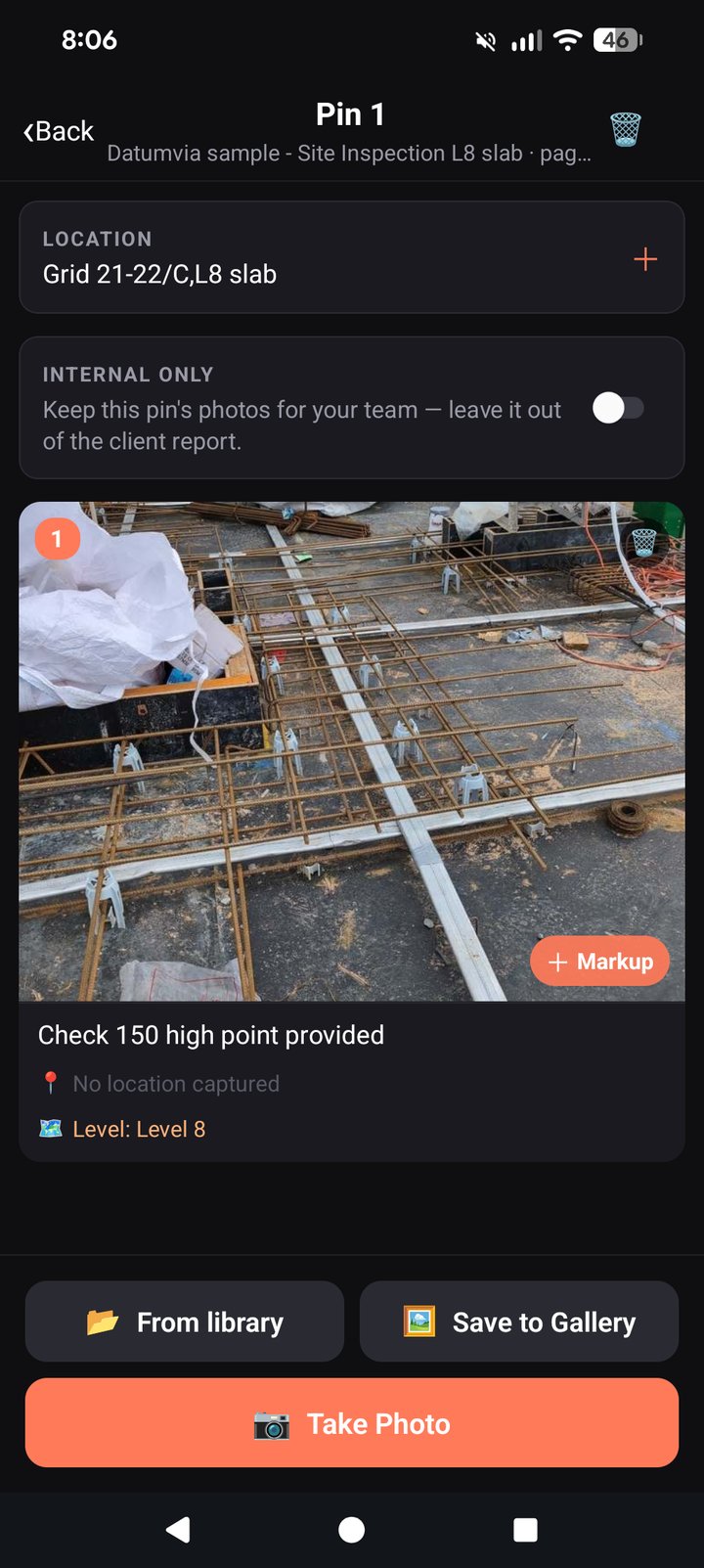
Your cover page, filled in on site.The engineer's own drawing, pinned where each item is.Every pin gets its photo and note, with a link back to the plan.
Download the sample reportPDF, 18 pages, 2.3 MB. Tap any pin number to jump to its photo — on a phone, open it in Adobe Acrobat.
See it in the app
The drawing, the pins, and the checklist that ties them together.
Pricing
Free for 2 jobs at a time. Subscribe in the app for unlimited jobs. Cancel any time.
Plan
Price
Free
$0
Everything, for 2 jobs on the phone at once. No card, no sign-up.
Unlimited
$9.99
per month, or $99.99 a year (2 months free). Subscribe in
the app through the App Store or Google Play; manage or cancel it there.
Company licences
For a team, one licence covers everyone, invoiced yearly. Per user per year:
Prices in AUD. Subscription prices include GST; company licence prices are plus GST.
Email info@datumvia.com with your company
name and number of users. You’ll get a tax invoice, then your licence by email: tap
Activate in Datumvia on each phone.
Questions
What does the free plan include?
Everything: pins, photos, checklists, reports and backups, for 2 jobs on the phone at a time.
Archive a finished job and you can start the next. A subscription or company licence removes the limit.
How do I get unlimited jobs?
On your own: subscribe in the app (Settings → Subscription), monthly or yearly, through the App Store
or Google Play. For a team: email info@datumvia.com for a company
licence, invoiced yearly, and activate it on each phone from the email.
Does it work with no signal?
Yes. Drawings, photos, pins, checklists and reports all work offline. Backups upload when you’re
back on Wi-Fi.
Where are my files stored?
On your phone, and in the cloud account you connect — your own Google Drive, Dropbox or OneDrive.
Datumvia runs no servers of its own and never holds your job data.
Can I use my own report template?
Yes. Use the built-in engineering report, or import a Word template with
{{placeholders}} and the app turns them into form fields.
Can I change the checklists?
Yes. The footing, slab, steel and frame lists are starting points — edit the items, add headings,
or build your own. Existing inspections never change when a list does.
What do my staff need?
An iPhone or Android phone, and the cloud account your office already uses. The office sets up a
shared folder once at datumvia.com/setup.
Is it only for engineers?
No. It suits anyone whose report is mostly photos tied to a location: building inspectors,
certifiers, remedial and insurance work, dilapidation and progress reports.
Try it on your next inspection
Fifteen minutes on a call, and you’ll know if it fits how you work.
 Real L8 slab inspection